
AI christmas lights deliver show-stopping displays synchronized with music and powered by smart technology, transforming ordinary holiday setups into fully customizable lighting experiences. If you’ve wondered how these high-tech decorations work, what they really cost, or why some setups fall short, this guide unpacks everything with realistic advice for getting the best results.
Key Takeaways
- AI christmas lights blend programmable LEDs, music sync, and smart apps—but real-world setup and reliability vary by brand and environment.
- Costs run higher than basic LED strings, but energy use remains low; pitfalls often relate to Wi-Fi, weatherproofing, and app usability.
- Choosing the right features, understanding technical tradeoffs, and realistic expectations are key to a seamless holiday lighting experience.
- AI Christmas Lights: What They Are and Why Use Them
- Step-by-Step: How to Choose, Install, and Optimize AI Christmas Lights
- Advanced Analysis & Common Pitfalls
- Conclusion
- Frequently Asked Questions
AI Christmas Lights: What They Are and Why Use Them
AI christmas lights, also called smart or app-controlled Christmas lights, use programmable LEDs, microcontrollers, and software to create elaborate, synchronized light shows—often reacting to music, holiday schedules, or custom scenes. Unlike basic LED strands, these kits offer pixel-level control, pattern editing, and often “AI”-branded functions like music visualization, scene suggestions, and automatic color palette selection.
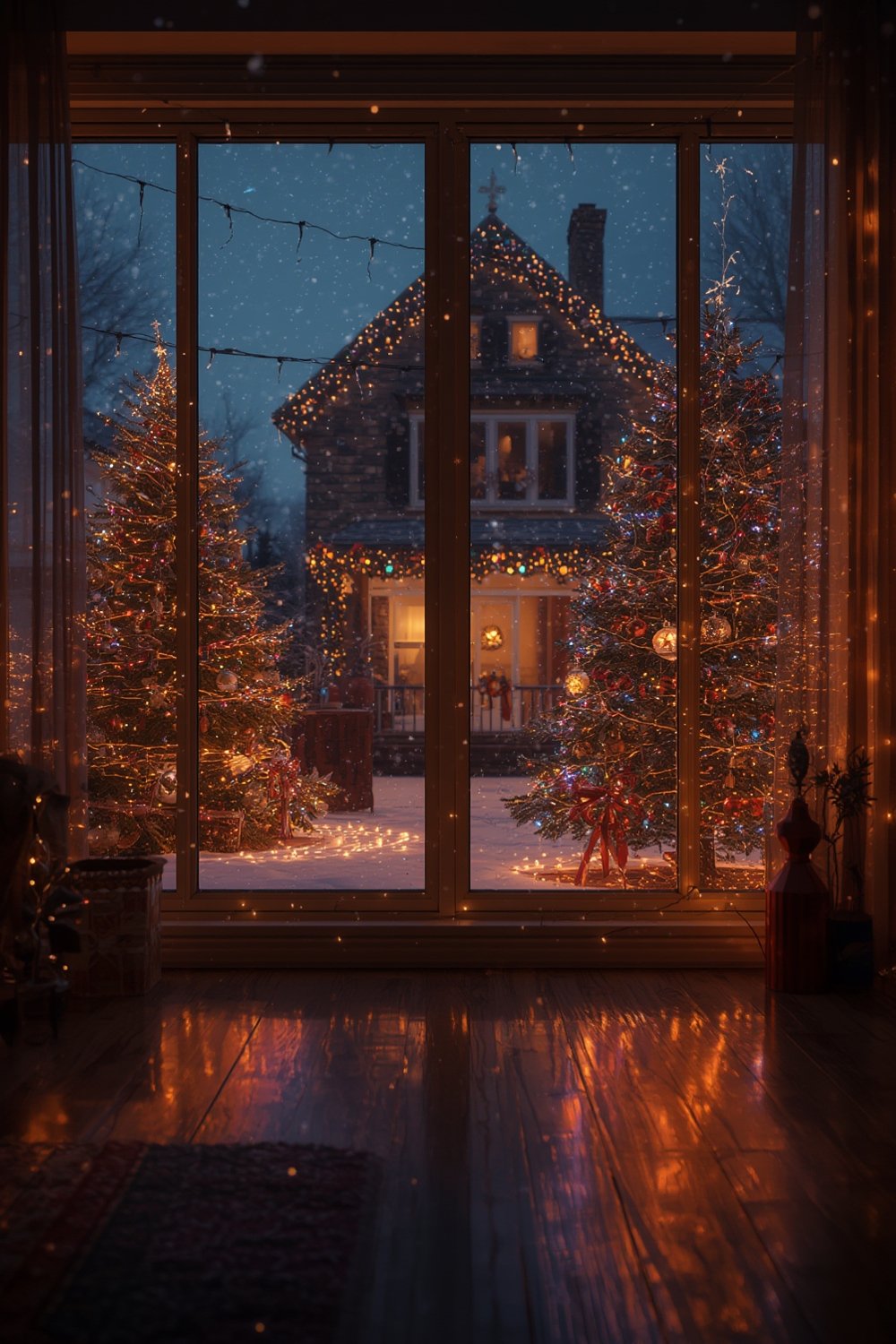
What’s driving their popularity in 2024? Global Christmas lighting sales now exceed USD 8 billion, with a huge surge in demand for “smart and programmatic” solutions.[MarketDataForecast]
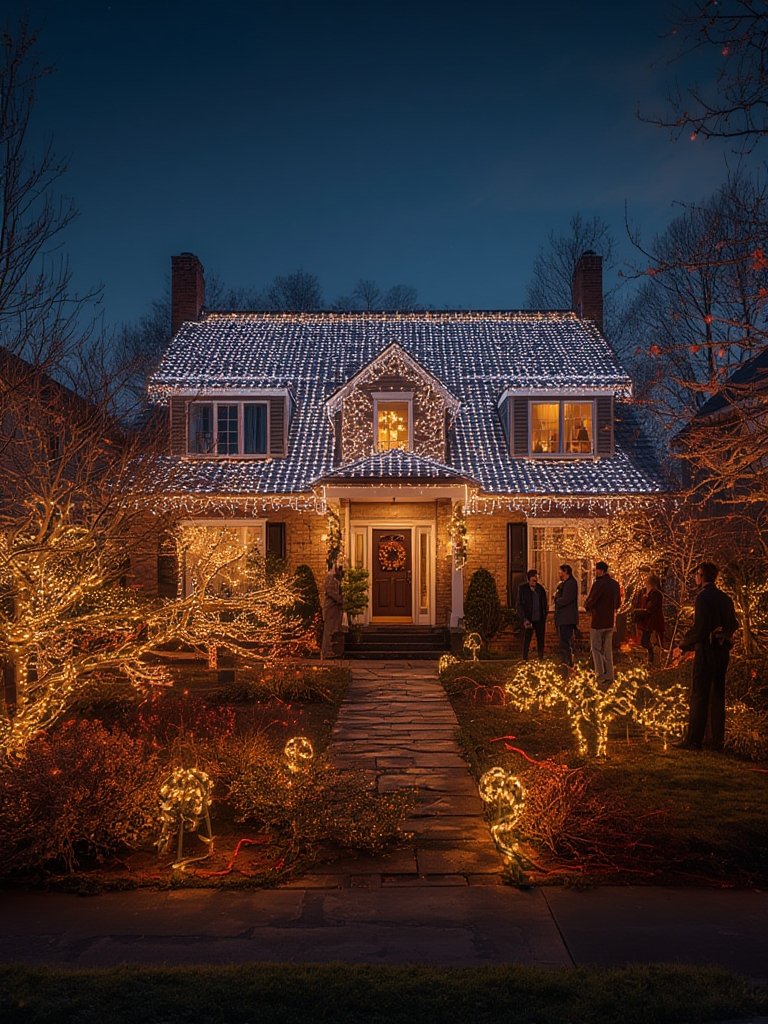
Consumers want displays that stand out—full roof outlines, animated trees, and music-reactive scenes, all controlled via phone or voice assistant. App control allows for sequenced shows, automation, and endless variety—all features that have made permanent Christmas lights and outdoor “smart decor” rapidly mainstream.
However, the move to AI and smart controls also brings new challenges—more setup time, Wi-Fi headaches, and learning curves—so a balanced look at features and drawbacks matters before you buy.
Step-by-Step: How to Choose, Install, and Optimize AI Christmas Lights
Here’s how to navigate the 2024 market, from pre-purchase all the way through to creating your own show.
- Decide on the features you need
- How large and complex is your display? For a small tree, a basic 250-LED kit may suffice; for roof/yard outlines or multiple scenes, look for multi-zone, addressable systems with group sync.
- Do you want true music sync, color palette matching, or just simple effects? Not all “AI” branding is equal—check for detailed specs like per-pixel control, line-in/music integration, and scene editors.
- Pick high-quality, outdoor-rated hardware
- Check for IP44+ waterproof ratings and weatherproof connectors. Fragile cables are the #1 failure for outdoor displays.
- Read reviews for real-life durability and segment reliability.
- Confirm support for your smart home platform if you want voice or automation (Integration with Alexa, Google Home, or Apple Home).
- Prepare for physical installation
- Test-fit lights on your tree or house before final mounting and mapping for clean pattern alignment.
- Consider guides like the outdoor landscaping guide if you’re integrating lights with bushes, driveways, or other highlights.
- For large outdoor runs (over 10 meters), plan on using power injection to avoid voltage drop and dim pixels.
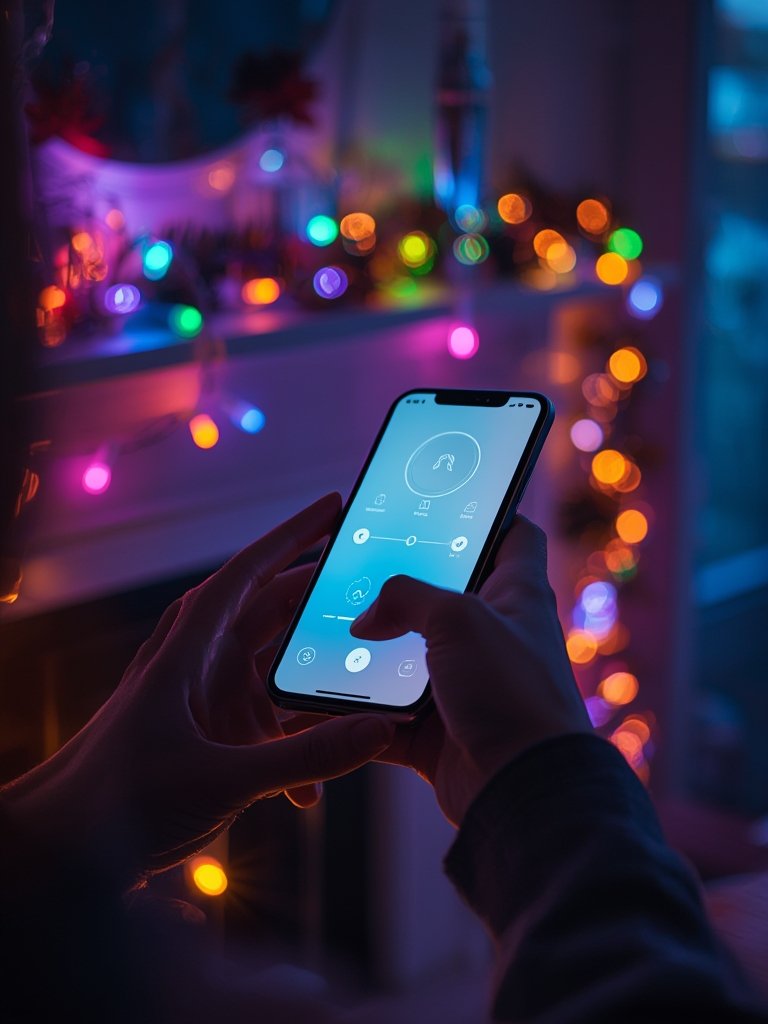
- Follow the app’s onboarding closely
- Connect on a 2.4 GHz network—most smart lighting kits don’t work with 5 GHz Wi-Fi. Mesh systems need extra care (sometimes a “guest” network is easiest).
- Map your lights as prompted—accurate LED mapping is vital for crisp effects on non-standard setups (like spiral trees or intricate roof outlines).
- Update firmware if prompted, but check reviews for reported “breaking changes.” If worried, skip this step until after your initial holiday show.
- Explore scenes and music sync
- Try built-in effect libraries—but beware, cluttered interfaces are common. Start with a few favorites and build from there.
- For true music sync, use direct line-in integration if your controller supports it (much lower latency than microphone mode).
- Schedule different shows for weekends, evenings, and special events using daily or weekly timers—this is a highlight of top apps.
- Optimize for usability and energy use
- Set brightness to 50-70 percent for outdoor use—this saves power, increases LED life, and avoids annoying neighbors.
- Leverage integration with platforms like permanent outdoor lights or smart digital displays for schedule automation and multi-device sync.
- Mark all cables and connectors with color tape or zip ties before takedown—it makes next year’s setup dramatically faster.
- Store lights in mesh bags or containers to avoid tangling and static build-up. Products like shoe washing bags can be repurposed for smart light storage.
Need extra year-round flexibility? See permanent Christmas lights for solutions that stay up all year with ongoing app control, or check modern ceramic ornaments for decorative tech pairings indoors.
Advanced Analysis & Common Pitfalls
Many “AI christmas lights” market claims gloss over the very real pain points you’ll find in user reviews and technical forums. Here’s a breakdown of what to watch for (and how advanced systems truly stack up).
| Feature/Aspect | What to Expect (AI/Smart) | Common Pitfalls & Tradeoffs |
|---|---|---|
| Setup/onboarding | App walks you through connection, mapping & testing; account creation. | Wi-Fi pairing fails on 5 GHz/mixed networks; unclear mapping for complex installs; slow onboarding vs classic plug-and-play lights. |
| Connectivity | Remote/app/voice control, group sync, simple scheduling. | Frequent dropouts outdoors or away from router; app freezing; some require always-on internet for local control. |
| Music Sync/AI Effects | Reactive shows, scene suggestions, color extraction from photos. | Laggy microphone sync, poor alignment to actual music, mostly preset (not trainable) “AI” logic; minimal info on cloud-processed data. |
| Outdoor durability | IP44-IP65 weatherproofing, UV-resistant wiring. | Cheap connectors, ambiguous IP ratings, rapid degradation with sun/rain, frozen apps in bad weather. |
| Cost/energy | USD 80–200+ per kit, low-energy LEDs, multi-season utility. | Hardware cost much higher vs. basic LEDs; little difference in running costs (source); risk of new standards making devices obsolete. |
| Advanced/power use | Multi-controller sync, pattern editing, integration with calendars (see skylight calendar, digital wall calendar for examples). | Fragmented UX, poor documentation, lack of objective latency or privacy info (Salesforce); cloud service end-of-life risk. |
Other tips:
- When mapping multi-zone displays, always test small (5-10 pixel) patterns before going live. Synchronization issues with roofline + tree + yard props are common and can cause frustrating visual “jumps.”
- Never leave firmware updates to the last minute. Some users report their lighting scenes break or disappear after mid-December patches.
If you want rock-solid large displays, study network topology and power injection practices from permanent or professional installers (see permanent outdoor lights guide).
Conclusion
AI christmas lights promise endless creative potential and immersive, interactive displays—from music-driven rooflines to color-matched indoor scenes. Yet getting the most out of them depends as much on realistic expectations and careful setup as on app features or specs. Invest in quality hardware, map your display carefully, understand the limits of current “AI” features, and don’t hesitate to lean on support or guides if you hit technical bumps. Ready to make the holiday season smarter and more colorful? Start with the tips above before you buy your first AI christmas lights kit.
For deeper year-round lighting solutions and the latest smart home tips, check out our guides on permanent holiday lighting and smart holiday decor.
Frequently Asked Questions
Do AI christmas lights work with Alexa or Google Home?
Many modern AI and smart Christmas lights offer integration with Alexa, Google Home, or Apple Home, allowing basic scene switching and voice control. However, advanced features like music sync and custom pattern editing are almost always managed through the vendor’s own app.
Why won’t my smart Christmas lights connect to Wi-Fi?
Most kits only support 2.4 GHz Wi-Fi, not 5 GHz. If you’re on a mesh or dual-band setup, try connecting via a dedicated 2.4 GHz network or using your router’s “guest” network feature temporarily during setup.
How much more expensive are AI christmas lights compared to regular LEDs?
Expect to pay USD 80–200 for a high-quality, addressable AI kit versus USD 10–25 for a basic non-smart LED string. The energy cost difference is minimal—most extra cost goes into hardware and smart features rather than electricity.
Is the “AI” in Christmas lights real artificial intelligence?
Most consumer products use rule-based algorithms riding on DSP features (such as beat tracking or scene selection). “AI” is largely a marketing term—there’s little to no deep learning or personalized automation yet, although some brands’ music sync and color extraction are getting more sophisticated.
What happens when the app or cloud service is discontinued?
If the vendor shuts down app support or their cloud, some kits lose remote control or advanced features. Always look for brands with local/LAN fallback options, and check user forums for longevity reports before a big purchase.