

Wireless meat thermometer adoption is exploding, but reliability and true smart cooking still stump many buyers. If you want effortless, accurate results at the grill or in the kitchen, you need to know what works, what actually fails, and why top-rated wireless models stand apart.
Key Takeaways
- Wireless meat thermometer sales are growing over 15 percent yearly, but many users report connectivity and battery life frustrations.
- premium models offer longer range, multi-probe setups, and real-time smart-home app integration—features that truly make outdoor and oven cooking easier.
- Most guides skip critical real-world reliability data and ignore long-term issues like battery replacement, firmware support, and durability—key factors for smart shopping.
- Understanding Wireless Meat Thermometers: What and Why
- Step-by-Step: How to Get the Most from Your Wireless Meat Thermometer
- Advanced Analysis & Common Pitfalls
- Conclusion
- FAQs
Understanding Wireless Meat Thermometers: What and Why
Wireless meat thermometers allow you to monitor meat temperature remotely during grilling, smoking, or oven roasting—usually via a smartphone app. Unlike old-school instant read or probe-and-cable models, these devices ditch the wire. They communicate temperature readings to your phone with either Bluetooth, Wi-Fi, or both. Some even offer cloud features and smart-home connectivity to automate alerts and guided cooks.
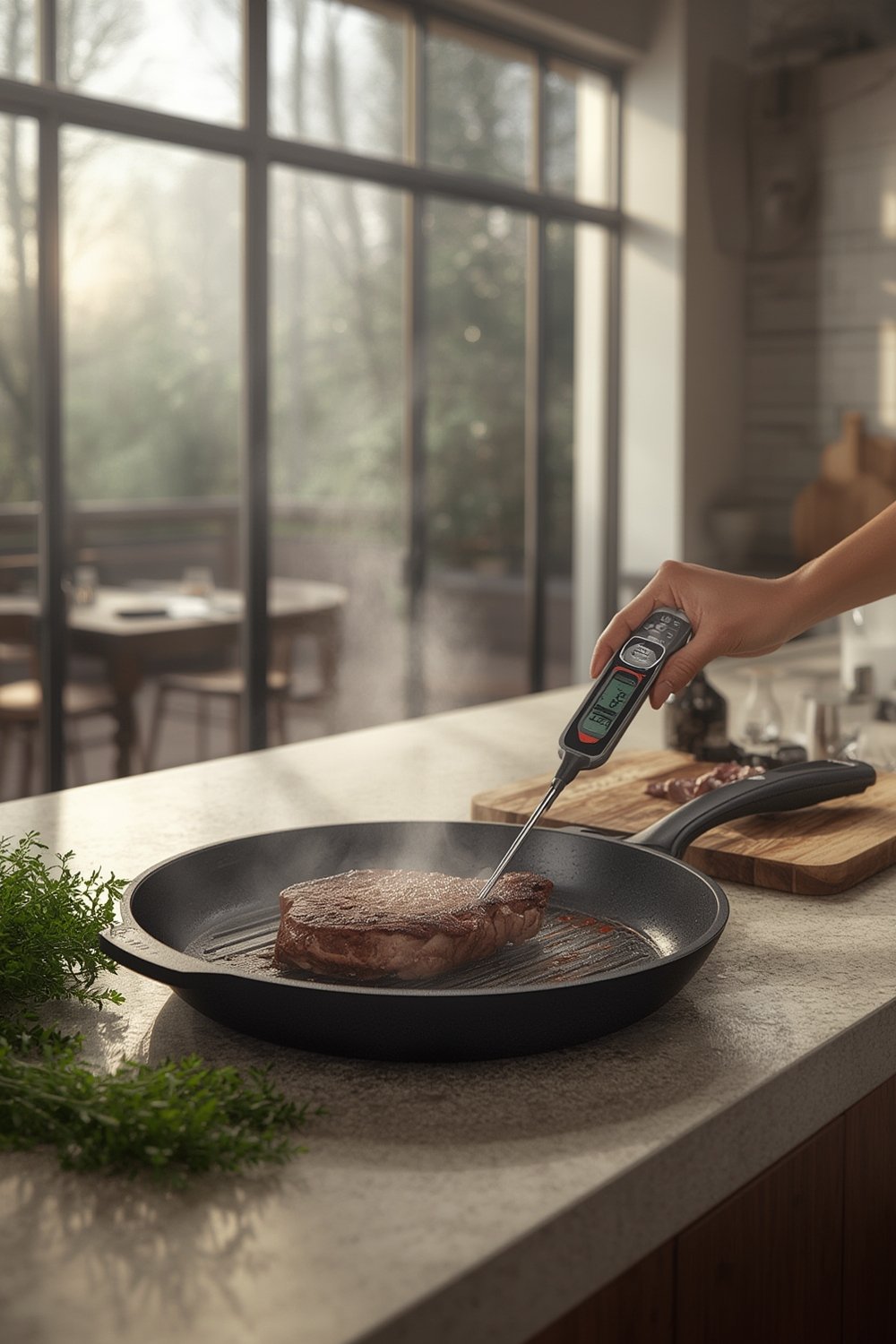
Why bother? Modern wireless meat thermometers solve two big problems: standing at the grill forever and guessing doneness. With real-time notifications and precise readings, you can step away and relax while still nailing that brisket or Sunday roast. Market data shows these devices are especially popular in North America and Western Europe, where grilling and smart kitchens intersect. For example, the segment is valued at over $2 billion globally as of 2024, growing rapidly every year [source]. Interest is also surging in Asia-Pacific as outdoor cooking and grilling trends spread.
The real game changer? robust app integration are making it possible to cook multiple meats—or even monitor grill zones—hands-free and precisely, even during long BBQ sessions.
Step-by-Step: How to Get the Most from Your Wireless Meat Thermometer
- Choose the right model: Entry-level models are usually Bluetooth only and best for short-range grilling or oven use. Bluetooth/Wi-Fi units have longer range (even out-of-home alerts), more advanced app features, and usually better long-term support.
- Set up your device and app: Follow manufacturer instructions to pair your thermometer with your phone or tablet. Download the official app and check for firmware updates—these can fix bugs and improve reliability out of the box.
- Insert the probe(s) properly: For safe and accurate readings, the sensor tip must be at the thickest part of the meat, away from bone or fat. Some models include diagrams in the app—don’t skip this step.
- Configure target temps and alerts: Most apps let you select the doneness profile (rare, medium, well-done) or set custom target temperatures. For multi-probe setups, assign each probe to its specific cut.
- Place the receiver or relay base properly: If your model uses a separate receiver or relay dock, keep it outside the grill or smoker, near your main cooking appliance but shielded from direct heat. For best connectivity, minimize barriers between your phone/receiver and the probes.
- Monitor and respond: Use the app to follow real-time temperatures. Set interval or threshold alerts so you can step away without fear of overcooking. If you get disconnected, know your model’s reconnect instructions—some require full reset, others just app restart.
- Maintain and store: Clean the probes with care (never submerge electronics), recharge or replace batteries well before each use, and store in a dry place. For models with firmware/app updates, check at least quarterly for improvements.
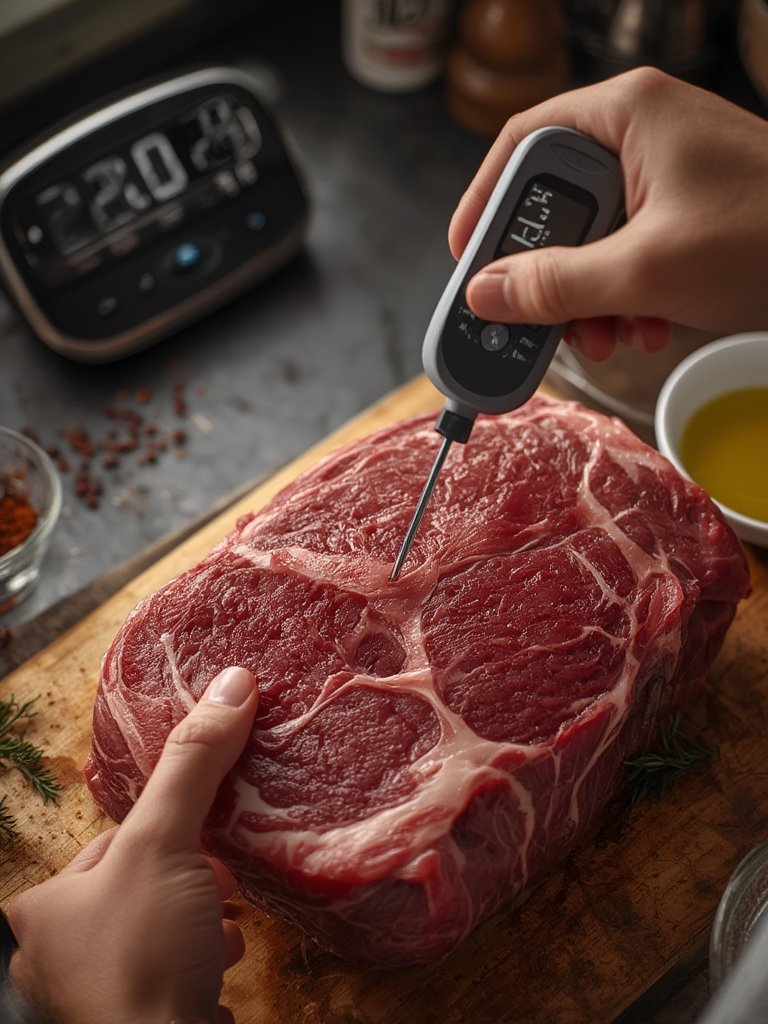
For genuinely seamless cooking, consider investing in a premium, smart-home-capable device—models now integrate with smart ovens and grilling apps. For instance, Ooni baked Meater’s wireless thermometer directly into their latest ovens, delivering complete doneness profiles inside a single app [source].
If you love high-tech kitchens, check out permanent outdoor smart lighting or sync your cook schedule with a shared family calendar display for next-level outdoor entertaining.
Advanced Analysis & Common Pitfalls
What do frequent buyers and industry reports say about wireless meat thermometer pain points?
- Connectivity issues: Most negative feedback centers on Bluetooth dropouts—especially with thick grills, metal smokers, or longer distances. Even Wi-Fi units can suffer in Wi-Fi dead zones if your router is far from the grill. (For more, see analysis from MarketReportAnalytics.)
- battery life complaints: Many standard units (especially entry-level) can’t last the length of an all-day smoke. Users with overnight cooks often run the battery to zero mid-session. Next-gen models advertise improved endurance, but always check runtime before you buy.
- App quality and firmware support: Unstable or poorly designed apps, delayed notifications, and lack of ongoing support leave buyers frustrated—features promised today may not work tomorrow if software support lags. (Firmware support is a hidden but vital feature in this growing smart-home sector.)
- Accuracy drift: Inconsistent readings can result from improper probe insertion, hardware limitations, or, sometimes, software bugs. This can risk undercooked or overcooked meat, affecting both food safety and taste.
- Price vs features dilemma: Entry-level devices cost less, but often at the price of limited probe support, weaker connectivity, and faster battery drain. Buyers in developing markets are especially sensitive to this tradeoff.
- Long-term durability: Probe failures, damage from repeated grilling sessions, and non-replaceable batteries mean some wireless thermometers only last a few seasons.
| Feature | Entry Level (Typical) | Premium (Typical) |
|---|---|---|
| Connectivity | Bluetooth only; short range | Wi-Fi/bluetooth hybrid; long range |
| Probe Support | 1-2 probes | 4+ multi-probe setups |
| App Capabilities | Basic alerts and presets | Guided cooks, graphs, cloud storage |
| Smart-home Integration | Rare | Common (oven/grill/voice support) |
| Battery Life | Often limited for long smokes | Improved, optimized for endurance |
| Price | Lower | Higher (reflecting added features & support) |
| Durability / Support | Limited, risk of early probe/battery failure | Generally better, firmware updates likely |
If extended outdoor cooking is your thing, consider accessories like a muddy mat to keep your patio mud-free or an auto-empty cordless vacuum for hassle-free cleanup—these work well alongside modern grilling kit.
What sets the best models apart? Multi-probe, leave-in wireless thermometers with robust smart-home/app features are defining the “best of” category. Features like cloud data, guided cook routines, improved hardware accuracy, and multi-year firmware/app updates, are quickly becoming the expectation (See: 2024 Ooni–Meater integration, covered by WiseGuy Reports).
Most online guides ignore total cost of ownership and second-year support. Look for details like battery replacement (vs single-use or non-replaceable), waterproofing, and official support timeframes—these determine whether your new thermometer will serve for many seasons or just a couple of summers.
Conclusion
Wireless meat thermometer technology is fundamentally changing how people grill, smoke, and roast. Picking the right unit—balancing range, probes, accuracy, and app features—can make hands-free cooking accurate and simple. Don’t settle for vague guides: always consider battery life, app support, and durability. Ready to level up your next cookout with a reliable wireless meat thermometer? Do your homework, invest wisely, and enjoy precision cooking—indoors or out.
Take action: Match your thermometer to your cooking needs, and check for support and upgrade longevity before you buy. For even more home improvement upgrades, see our smart landscaping guide or discover how a candle warmer lamp can upgrade your indoor comfort.
FAQs
What is the most common problem with wireless meat thermometers?
Connectivity issues—especially with Bluetooth-only models—are the top complaint. Metal grills, closed smokers, and distance can all disrupt the signal, causing lost readings or app disconnects.
Can you leave a wireless meat thermometer probe in the meat for hours?
Yes. The best wireless meat thermometers feature leave-in probes designed for long smoke sessions or roasts. Always check the temperature limit and battery life before a long cook to avoid failure mid-session.
Are Wi-Fi thermometers better than Bluetooth for grilling?
Wi-Fi models offer much greater range and often better reliability—especially for monitoring from inside your house or outside your yard. Bluetooth-only is more limited but fine if you stay close to the grill.
How long does the battery last on a wireless meat thermometer?
Batteries may last from 24 hours (entry-level) to 48 or more (premium) on continuous use. Always check manufacturer specs and recharge before long cooks. Non-replaceable batteries shorten total product lifespan.
What features should I look for in a premium wireless meat thermometer?
Look for Wi-Fi or hybrid connectivity, support for four or more probes, advanced app features (like guided cooks and cloud storage), and proven firmware/apps that get regular updates over the years.