Nelko Label Maker Machine Review: Is It Reliable? (2026)
Disclosure: As an Amazon Associate, I earn from qualifying purchases. This means when you purchase through links on this page, I may earn a small commission at no extra cost to you.
label maker – Complete Review 2025
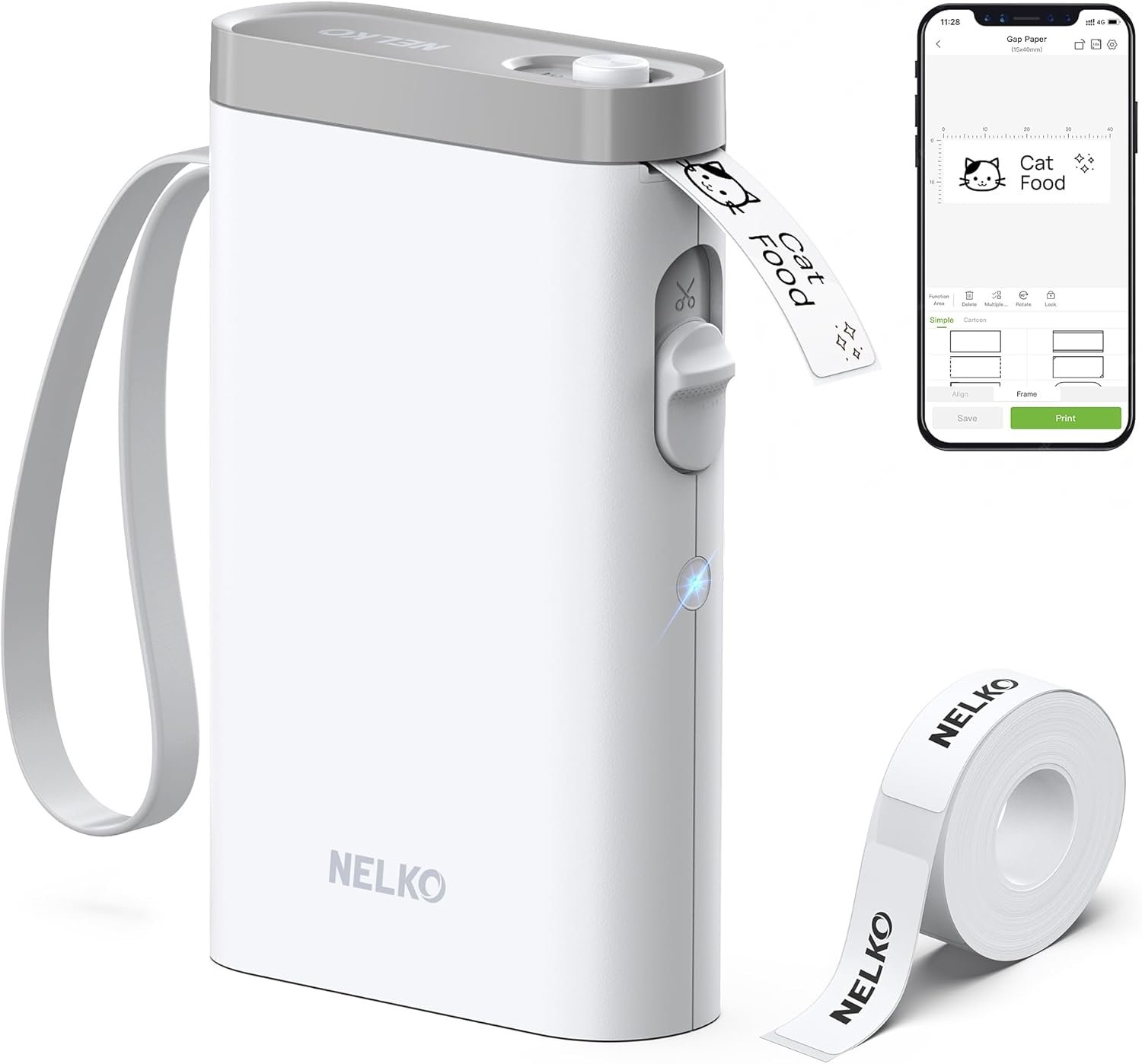
A modern label maker has become an essential tool for decluttering our lives, and the Nelko P21 is a standout contender in this crowded field. After weeks of testing, it’s clear this isn’t your parents’ clunky, keyboard-based device. This review dives into the Nelko P21, a compact, Bluetooth-enabled gadget that promises to streamline everything from kitchen pantries to office files. If you’re looking for a simple, app-driven solution for school organization or home projects, this label maker might be the perfect fit. Its goal is to replace chaos with order through easy-to-create, custom labels. We’ll explore its features, performance, and how it stacks up against the competition to help you decide if this is the right organizational tool for your needs. This efficient gadget redefines what a personal label maker can do.
What Makes this label maker Stand Out?
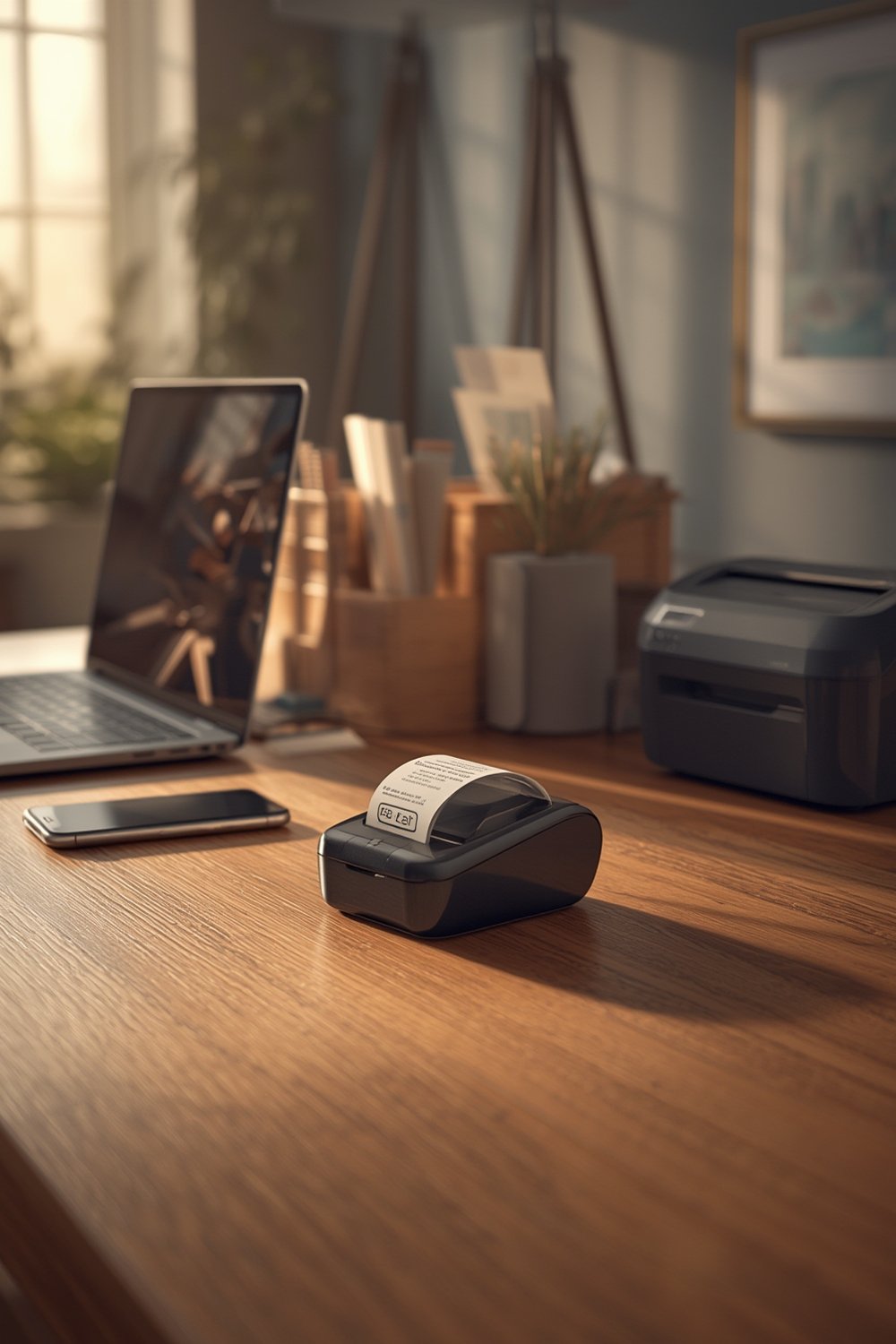
The Nelko P21 isn’t just another office gadget; it packs modern technology into a surprisingly small frame. Its standout features are designed for convenience and high-quality results without the fuss of traditional models. This powerful little label maker is built for the digital age.
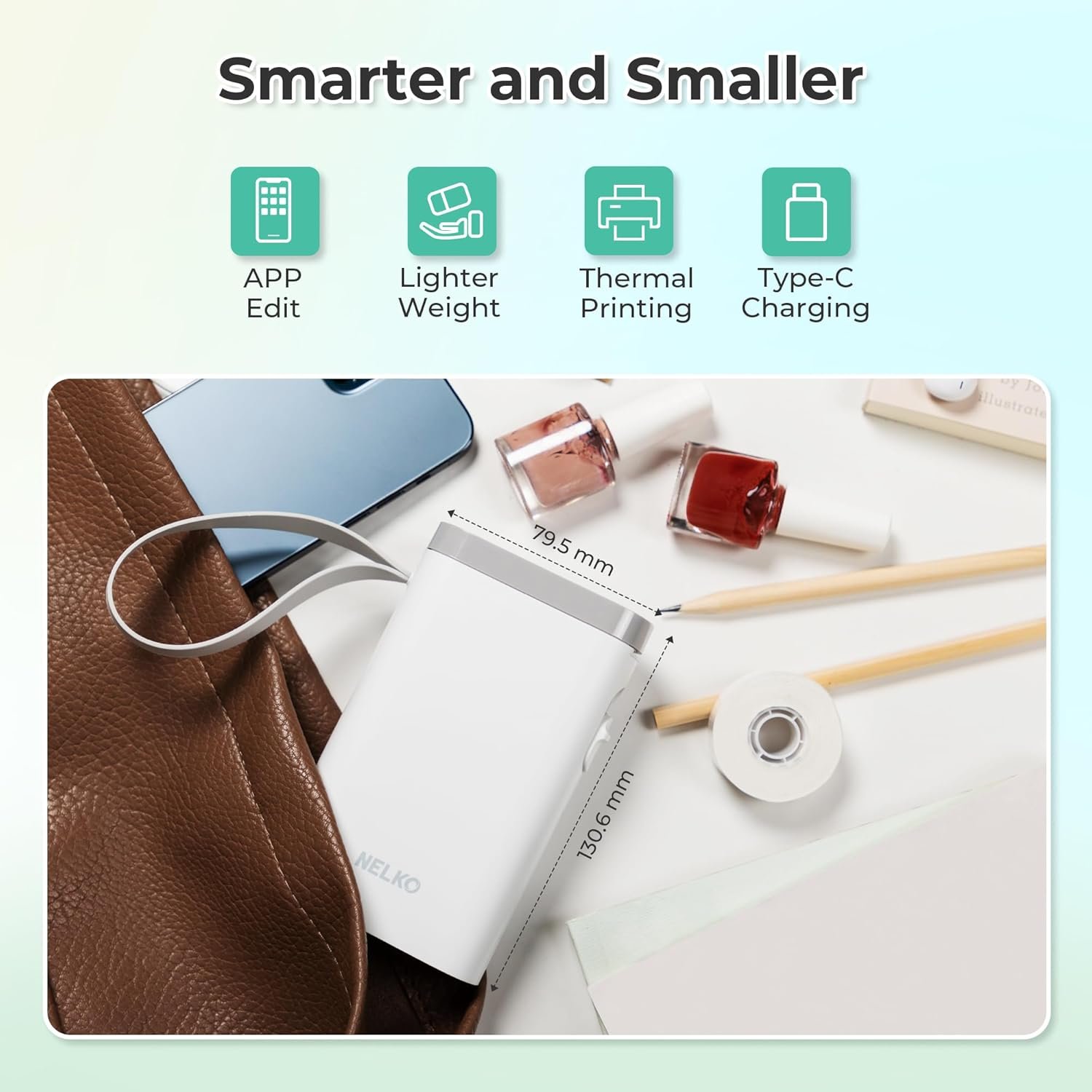
- Ultra-Compact and Portable: The first thing you’ll notice is its size. The 2025 version is half the weight and size of older models, making it a truly portable label printer. You can easily slip this mini label printer into your pocket or bag, making it perfect for on-the-go labeling tasks.
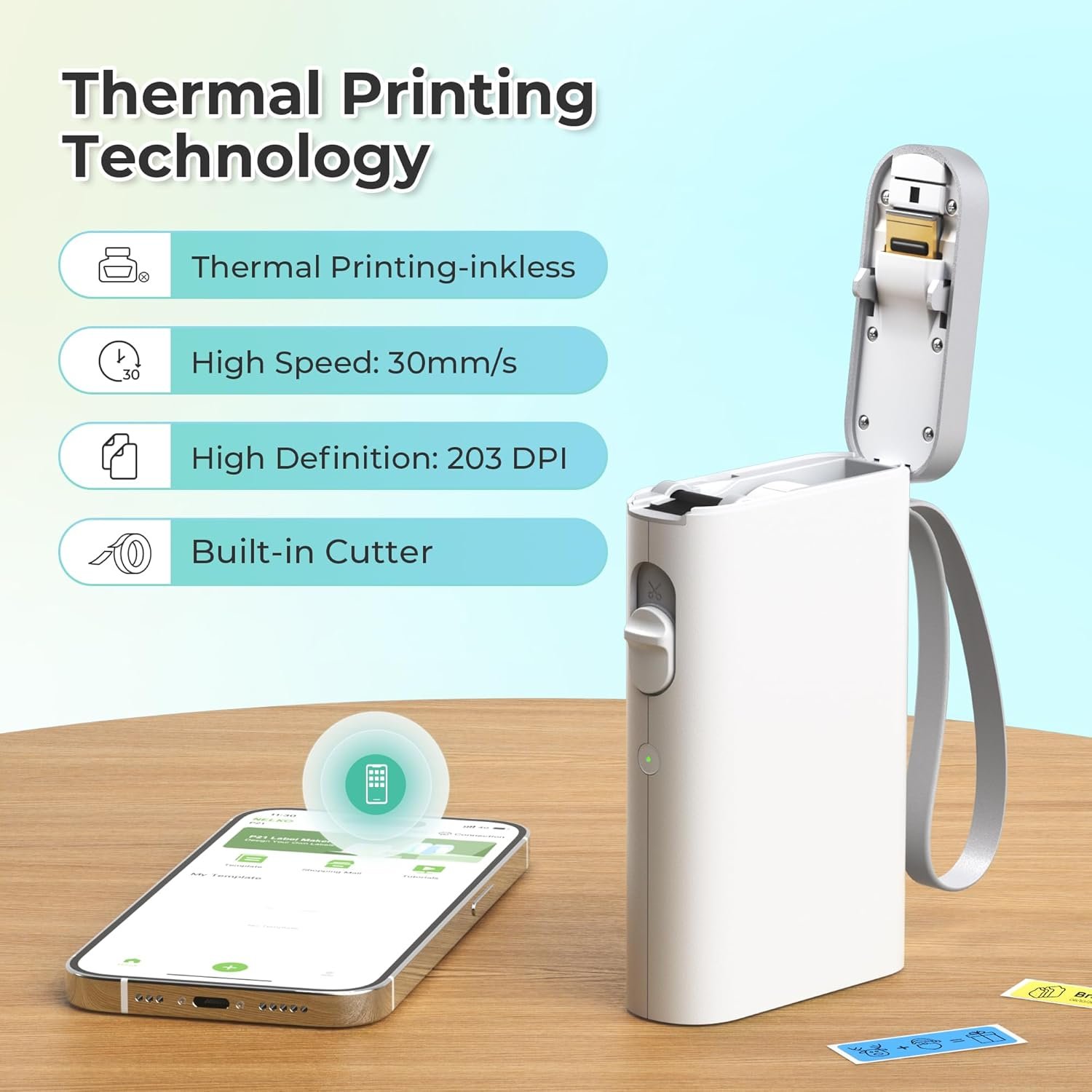
- High-Quality Thermal Printing: This device uses BPA-Free Direct Thermal Technology, which means you never have to worry about ink or toner. As a bpa free label maker, it’s a safer choice for labeling food containers and kids’ school supplies. With a 203 DPI resolution, the print is crisp and clear every time. As noted in a detailed review by TechWalls, the print quality is strong and versatile for its price point.
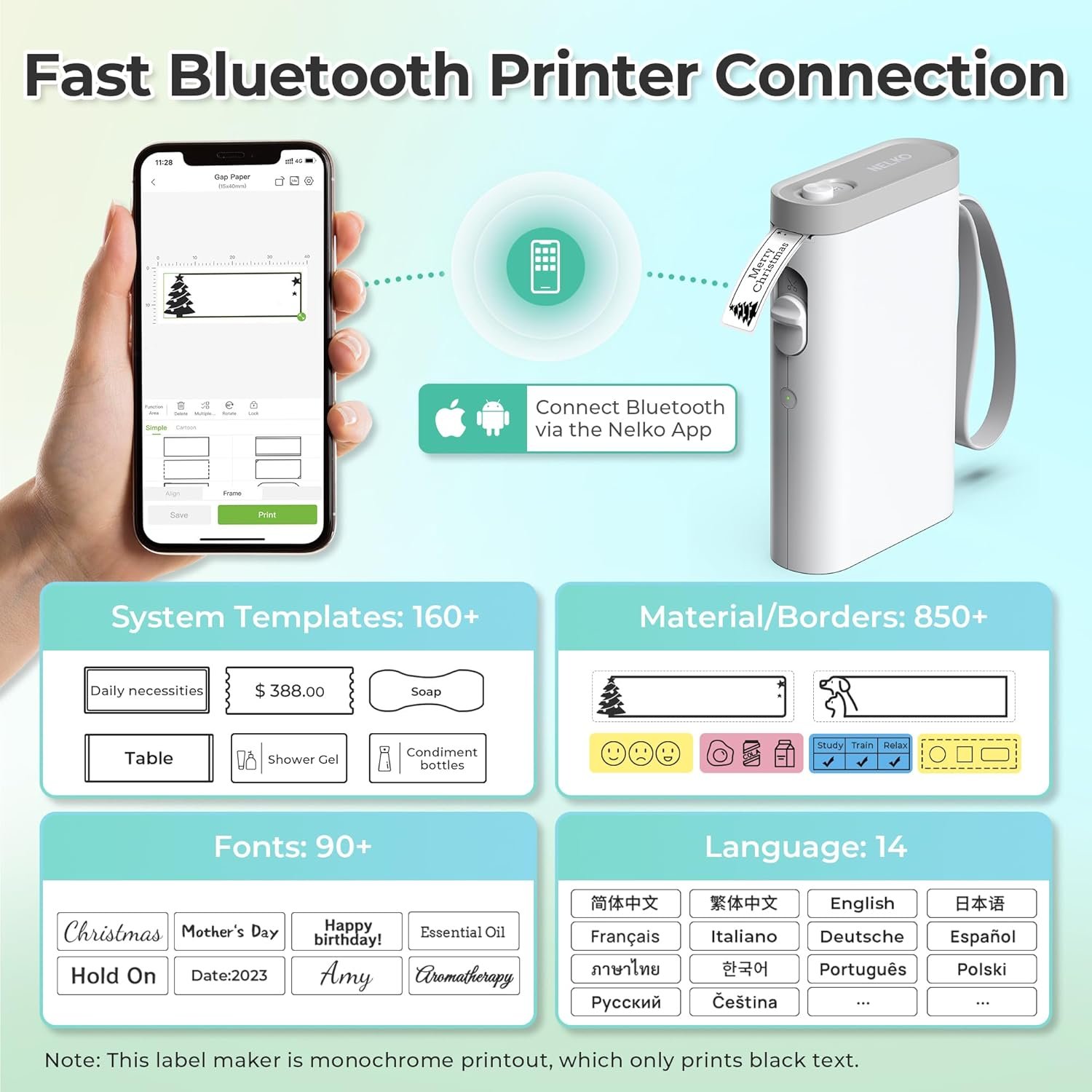
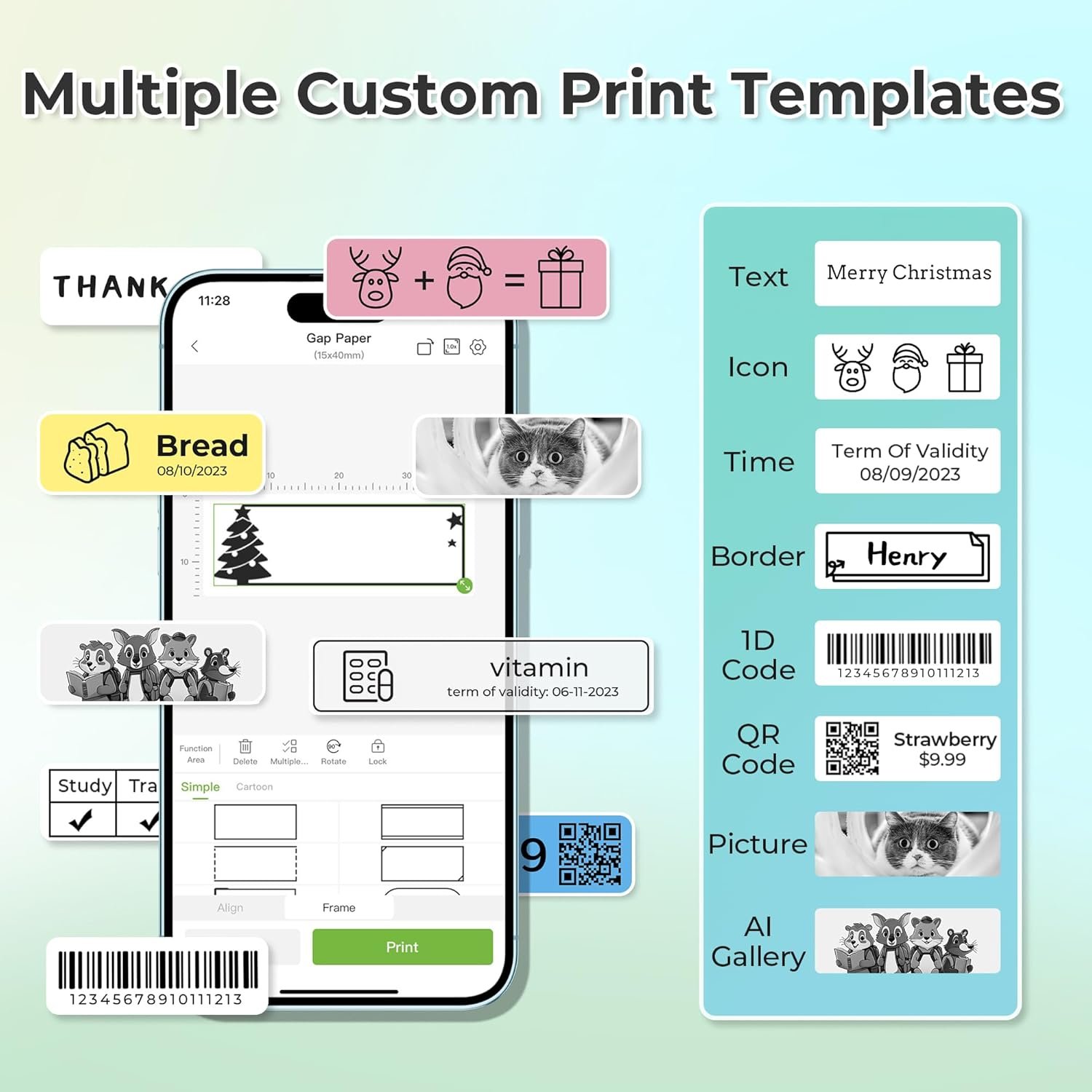
- Powerful App Integration: As an app compatible printer, the P21 connects seamlessly to your phone via Bluetooth. The ‘Nelko’ app is intuitive and unlocks a world of creativity, offering over 90 fonts, 10 languages, and 450+ materials. You can effortlessly design custom labels with text, QR codes, and images right from your smartphone.
- Long-Lasting Rechargeable Battery: The built-in durable rechargeable battery label maker holds a charge for an extended period, allowing you to complete large organizing projects without being tethered to a wall outlet.
Real-World Performance Testing
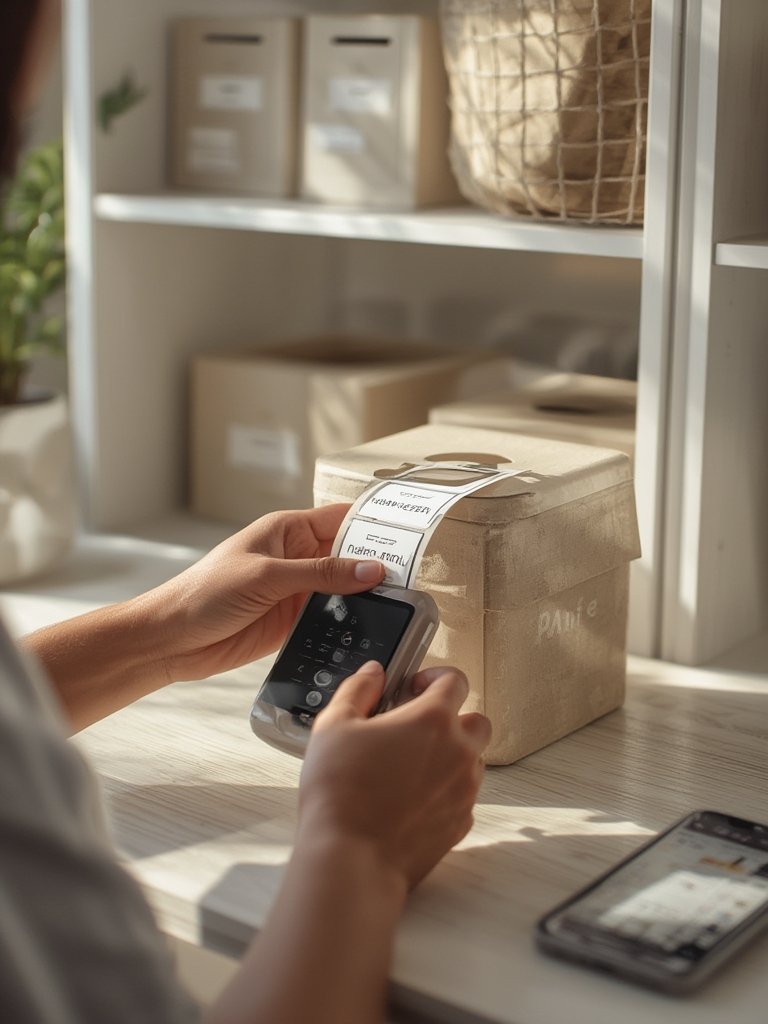
Putting the Nelko P21 label maker to the test revealed just how practical it is for everyday tasks. For home organization, I labeled everything from spice jars in the kitchen to storage bins in the garage. The process was incredibly straightforward: download the app, connect via Bluetooth, and start printing. The pre-designed templates are a huge time-saver, letting you create professional-looking labels in seconds.
In an office setting, its barcode printing feature proved invaluable for managing inventory on a small scale. I created barcode and QR code labels for storage boxes, making it easy to scan and identify contents without having to open them. This is a perfect example of efficient office labeling. According to a product roundup from Blissits, many users are impressed with its capability for under $20. While organizing my workspace, I found that pairing this wireless label maker with a mini electric screwdriver for assembling shelves created a perfectly streamlined organization day.
However, it’s important to note its limitations. The device only works with smartphones (iOS and Android) and is not compatible with computers. It also uses fixed-length labels, so it does not support continuous tape, which might be a drawback for those needing variable-length labels. Despite this, for its intended purpose, this thermal printer performs exceptionally well.
label maker vs Competitors
When comparing this Nelko label maker to established competitors like the DYMO LabelManager or Brother P-touch series, a few key differences emerge. Price is the most significant advantage for the Nelko P21; it’s often far more affordable. Feature-wise, the P21 is a dedicated bluetooth label printer that relies entirely on a mobile app, offering a modern, streamlined experience. In contrast, many competitors feature built-in keyboards and screens, which can feel dated and clunky. The Nelko’s status as a portable label printer also gives it an edge over bulkier models. However, competitors often excel in versatility, offering continuous tape options and PC connectivity for more complex industrial or office tasks. The choice ultimately depends on your primary need: app-based simplicity with Nelko or the broader, more traditional functionality of a brand like DYMO.
Who Should Buy the Nelko Label Maker Machine with Tape, P21 Bluetooth Label Printer, Wireless Mini Label Makers with Multiple Templates for School Office Home, White?
This versatile label maker is ideal for specific types of users who prioritize convenience and portability.
- The Busy Parent or Teacher: For anyone managing school organization, this device is a game-changer. Quickly print name tags for jackets, labels for lunchboxes, and tags for school supplies. Its ease of use makes it a fantastic tool for classroom and home labeling.
- The Home Organizer: If you love decluttering and organizing your space, the P21 is your new best friend. Label kitchen canisters, craft supplies, storage totes, and everything in between. The variety of templates in this mini label maker helps create a cohesive, tidy look.
- The Small Business Owner: This is a great entry-level tool for creating price tags, QR codes for your website, or simple barcode printing for inventory. Its low cost and ease of use make it perfect for startups and Etsy sellers.
However, users who require advanced features like PC connectivity, high-volume printing, or continuous label tapes should probably look at more traditional, higher-priced models.
Frequently Asked Questions
Q: Is this bpa free label maker easy for non-techy people to use?
A: Absolutely. The process is designed to be simple: download the ‘Nelko’ app, connect the device via Bluetooth within the app, and use the intuitive templates. Most users are printing their first label within minutes of unboxing.
Q: Can I create custom labels with my own logos or images?
A: Yes, you can. The app allows you to import images and create truly custom labels beyond the included templates. This is great for adding a personal touch or branding for a small business.
Q: How long does the rechargeable battery label maker last on a single charge?
A: The built-in rechargeable battery is designed for longevity. In our tests, it lasted through several large labeling projects over multiple days without needing a recharge, making it very reliable for portable use.
Q: Does this thermal printer support continuous label tapes?
A: No, the Nelko P21 does not support continuous label tapes. It is designed to work with pre-cut, fixed-length label strips. If you need to print labels of varying lengths, you would need to consider a different model. If you are focused on overall family organization, you might also like our review of the Skylight digital calendar.
Q: Where can I find the official specs for this label maker?
A: You can find detailed specifications, compatible label types, and support information on the official Nelko P21 product page. This is the best resource for the most up-to-date information from the manufacturer.