

digital wall calendar technology is changing how families and individuals stay organized at home. As smart home adoption accelerates, these always-visible scheduling screens promise to streamline routines—but do they really deliver on all fronts?
Key Takeaways
- The global digital wall calendar market is growing fast, led by IoT integration and family scheduling needs.
- Actual user pain points and model comparisons are rarely reported, so expect a learning curve.
- Hidden costs, technical requirements, and security remain overlooked—research before you buy.
- What Is a Digital Wall Calendar and Why Use One?
- Step-by-Step Guide: Setting Up a Digital Wall Calendar at Home
- Advanced Analysis & Common Pitfalls
- Conclusion
- FAQ
What Is a Digital Wall Calendar and Why Use One?
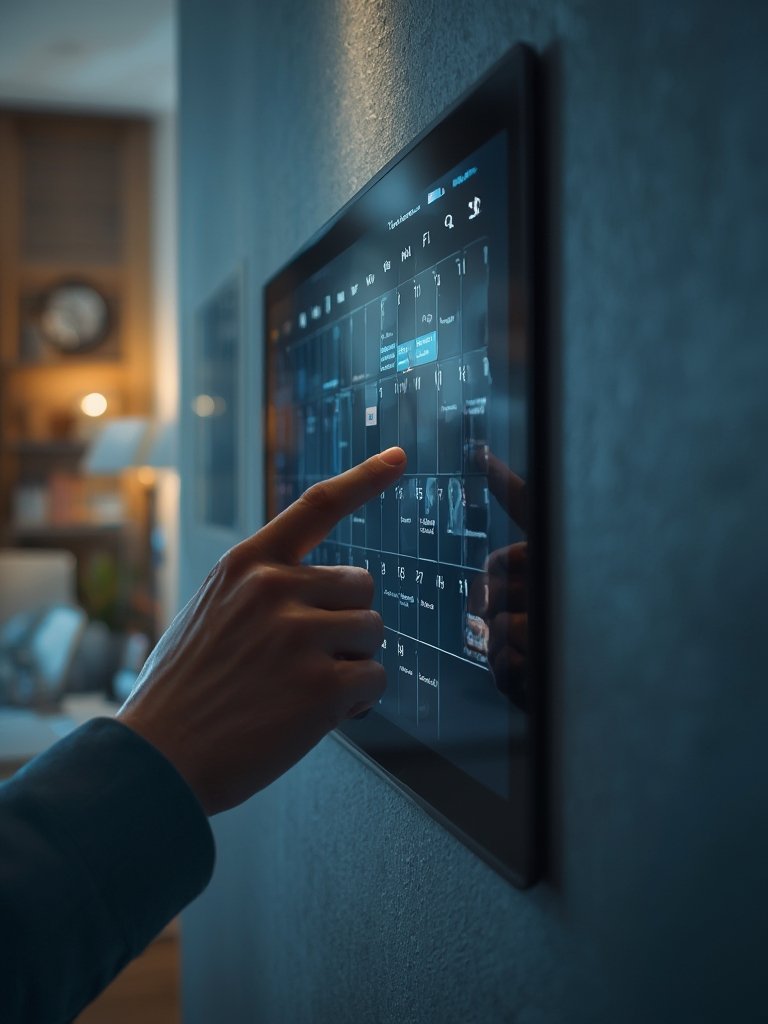
A digital wall calendar is a smart, internet-connected display—usually touchscreen—that acts as a central hub for shared family schedules, reminders, and sometimes useful widgets like weather, to-do lists, or even photos. Unlike basic paper calendars that are static and manual, digital versions update automatically and can sync with apps and devices, helping households run smoother.

The core promise is always-on, in-sight coordination. From busy parents to roommates or remote professionals, anyone who struggles with fragmented schedules or missed appointments might benefit. Popular wall calendars often support integrating Google, Apple, or Microsoft calendars—and the ability to quickly add or check events without hunting for a phone is a major plus.
Market momentum is rapid: The global smart wall calendar display market was valued at $1.2 billion in 2024 and is projected to triple over the next decade. North America leads with nearly 40% of the revenue, while Asia Pacific sees the fastest growth thanks to surging smart home device uptake (source).
If you’re pursuing whole-home organization or run a busy household, a digital wall calendar can act as the anchor. However, buyers should also be realistic about potential limitations, learning curves, and compatibility concerns.
Step-by-Step Guide: Setting Up a Digital Wall Calendar at Home
Ready to make the shift? Here’s a realistic, actionable process for choosing, installing, and setting up a digital wall calendar as a true household command center.
-
Assess your needs and space.
- Who will use the digital wall calendar (adults, kids, seniors)?
- Do you want only scheduling, or also to-do lists, weather, or photo display?
- Is there space on a visible wall, near power and strong WiFi?
-
Research device options.
- Look up current models; compare display size, touchscreen responsiveness, and mounting hardware.
- Evaluate smart home and app compatibility. Some models only work with certain platforms (e.g., Google or Apple calendars).
- Investigate if voice assistant support (Alexa, Google Assistant) is important.
For more in-depth inspiration, check out how smart displays compare in this guide to touchscreen family organizers.
-
Unpack and check for required components.
- Wall mounts, cables, and adapters are usually included, but confirm before installing—some models may require extra purchases.
-
Install near a reliable WiFi source and outlet.
- Unstable internet means unpredictable calendar syncs and unreliable notifications.
- Consider using smart surge protectors or cable management sleeves for a cleaner look.
-
Display configuration.
- Set up user profiles for each family member. Many devices let you color-code events or assign reminders per user.
- Integrate external calendars (Google, Apple, Outlook) via account login in device software.
- Explore additional features such as weather integration, chores, or timers. Not all models offer these.
- If possible, enable guest access or “read-only” profiles for kids or frequent visitors for shared transparency.
-
Routine maintenance.
- Update device firmware regularly for security and new features.
- Backup or export event data if the platform supports it—prevents headaches in the event of device issues.
-
Adapt to feedback.
- Encourage all household members to actually add events—shared buy-in is the only way to end schedule confusion.
- Check if accidental edits or deletions are common; activate “undo” or permissions settings if available.
If you plan outdoor improvements in parallel, see this landscaping guide for optimizing your entryway or shared zones.
For bigger smart home upgrades, smart lights and appliance organizers (like permanent outdoor lights or hands-free vacuums) pair well with a central family schedule hub.
Advanced Analysis & Common Pitfalls
The potential of a digital wall calendar is clear, but users report barriers—often unaddressed in top-ranking articles or product listings.
- Lack of detailed user feedback: No meaningful reports exist on which features frustrate households most. Expect to encounter minor glitches or limitations that aren’t advertised (source).
- Gaps in accessibility and usability: Devices may be hard to read by children or elderly users, either due to small text or clunky touch sensitivity. Consider adjustable font sizes and simple UI if accessibility is a concern.
- Hidden costs and unclear support: Many brands are vague about subscription fees (for weather, smart integrations, or multi-user support). Read the fine print before choosing a model.
- Device compatibility and data security: Synchronizing with multiple platforms (e.g., Google, iCloud, Alexa) can lead to technical headaches and occasional sync failures. Security settings for data privacy are rarely explained in published reviews.
- Limited weather accuracy: Digital wall calendars usually pull weather data from mainstream public APIs, not dedicated hardware. Expect similar accuracy to popular smartphone weather apps—not as granular as standalone weather stations.
Here’s a table highlighting possible differences and issues to anticipate when shopping for a digital wall calendar, based on public research and market norms:
| Feature | Typical Strength | Common Pitfall/Gap |
|---|---|---|
| Event Syncing | Seamless with Google/Apple/MS calendars | Occasional lost events; multi-calendar conflicts |
| Display Visibility | Large, always-on panel | Screen glare; font too small for some users |
| Weather Forecast | Same as popular apps | Lack of hyperlocal/real-time updates |
| Cost / Subscription | Some devices are one-time purchase only | Features (e.g., weather, advanced scheduling) may require a paid plan |
| Security | Multi-user logins; PIN locks | Weak explanations of data privacy/protection |

Explore more living space optimization strategies in our compact appliance guide and home ambiance upgrades.
Conclusion
Smart scheduling is booming thanks to digital wall calendars, but a lack of comparison data and user feedback means you’ll want to proceed thoughtfully. Research the features you need, clarify compatibility and costs up front, and place your digital wall calendar in a prominent spot for maximum impact. Ready to make your home less chaotic? Explore models, read reviews, and set up a test run—don’t settle for missed appointments or family confusion.
FAQ
Are digital wall calendars easy for children and seniors to use?
Most modern devices offer large touch areas, color-coded events, and sometimes voice commands. However, interfaces vary; look for models with adjustable text sizes or simplified screens if accessibility is important.
Do digital wall calendars require a paid subscription?
Some offer free basic scheduling, but premium features like weather, multi-user support, or advanced integrations may require subscriptions. Always check what’s included before purchasing.
How secure are my family’s private events on a digital wall calendar?
Security practices differ. Many models encrypt your data during sync but store it on cloud servers. Read device privacy policies closely, set strong passwords, and enable regular software updates.
Can I display more than one calendar account?
Most digital wall calendars let you connect multiple accounts—for example, work and school schedules. Some let you filter which events display on the main screen.
What if my WiFi goes out?
Most devices need a live connection to update events or download weather. Some might display cached data, but scheduling updates won’t sync until you’re back online.